 Insta Pick
A Mac app for choosing a post's photos. It sorts a folder into yes, maybe, and no with one key per photo, then puts the keepers in posting order. Insta Pick runs on my Mac and hasn't been released.
- Y · M · N
- one key per photo
- Post order
- renamed and dated in order
- 58
- Swift Testing tests
- Unreleased
- private · macOS 14+
A Mac app that sorts a photo folder into yes, maybe, and no, then orders the keepers for posting.
Sort the folder, then order the post.
Review one photo at a time with a key for each pile, see every pile on the board, and arrange the keepers in the order they'll be posted.
Open
The folder is Review. Photos already sorted show in their piles, so a second pass starts where the first stopped.
⌘O · a folderSort
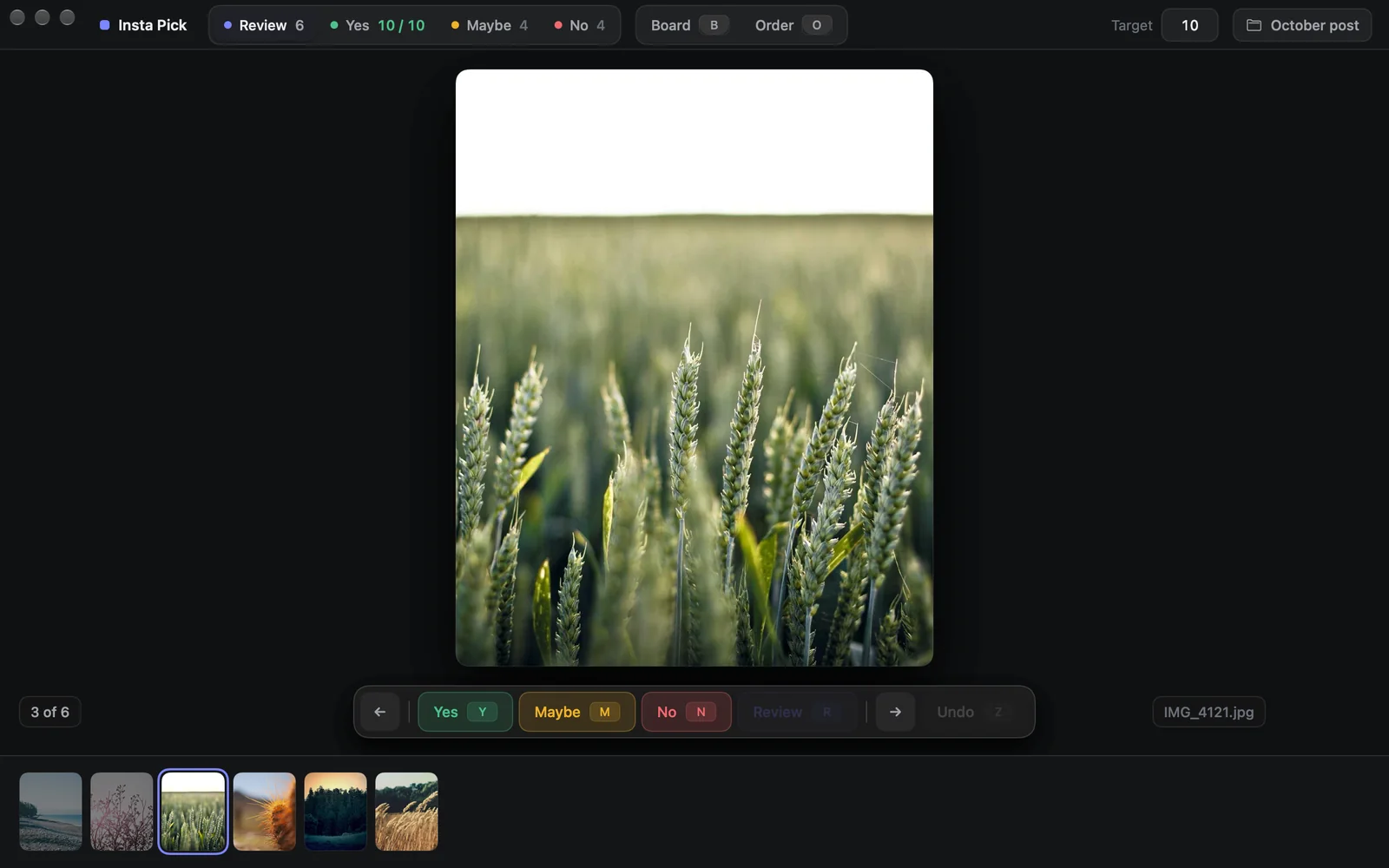
One key moves a photo into yes, maybe, or no and shows the next. ← and → browse, and Z undoes.
Y · M · N · ZTrim
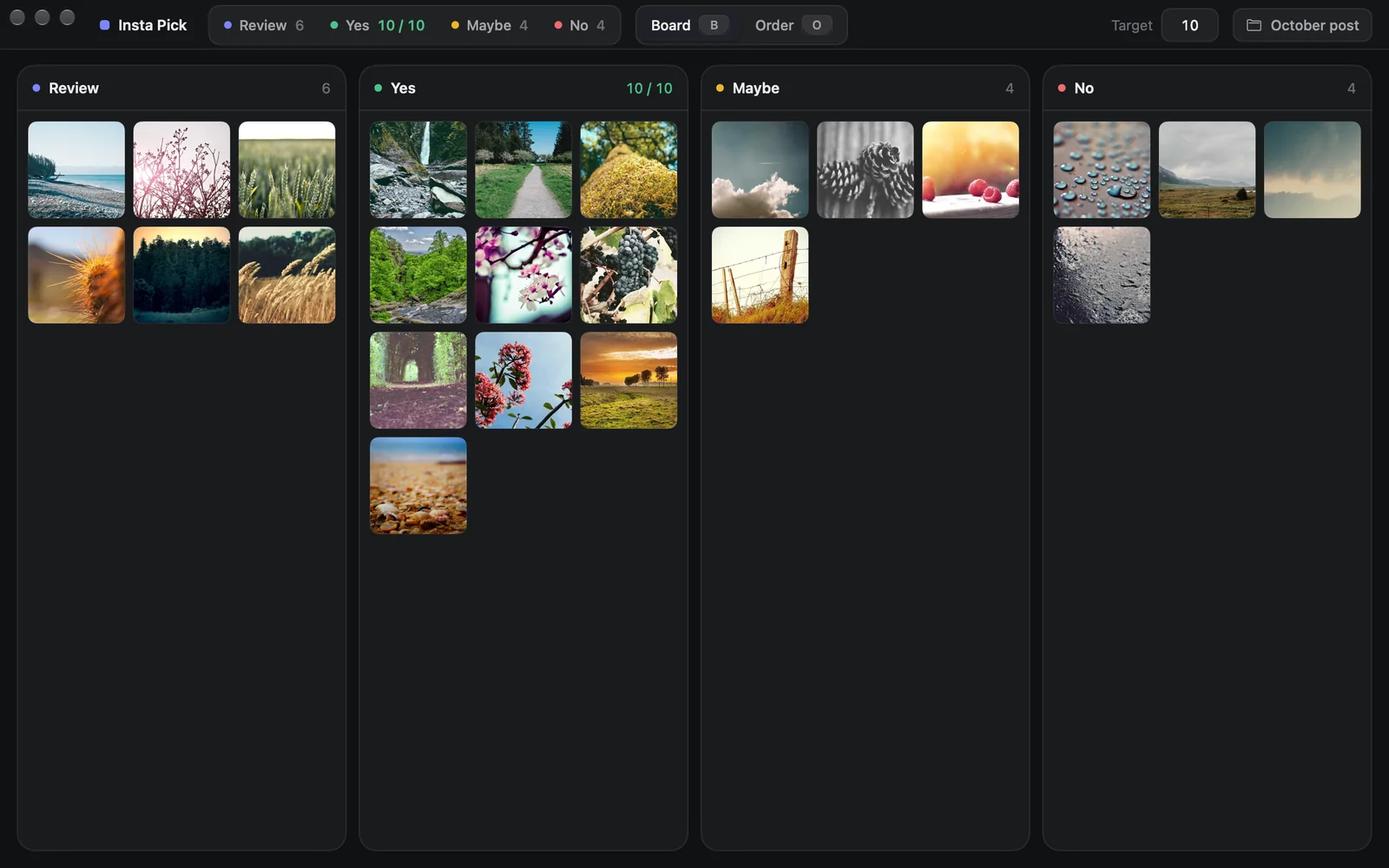
The board shows all four piles. Drag photos between them until Yes matches the number the post needs.
board · targetOrder
Arrange the keepers, then Finalize renames and dates them in posting order.
O · ⌥← ⌥→ · FinalizeWhat's in the app.
Full quality, one photo at a time.
Photos decode off the main thread, sized for the largest screen instead of at full resolution, and the next two load ahead so moving on feels instant. A filmstrip shows what's left in the pile.
decode cache · filmstripEvery pile side by side.
Review, Yes, Maybe, and No sit side by side as columns of thumbnails. Drag a photo to another pile, or click it to open it in the viewer.
B · drag between pilesA number for the post.
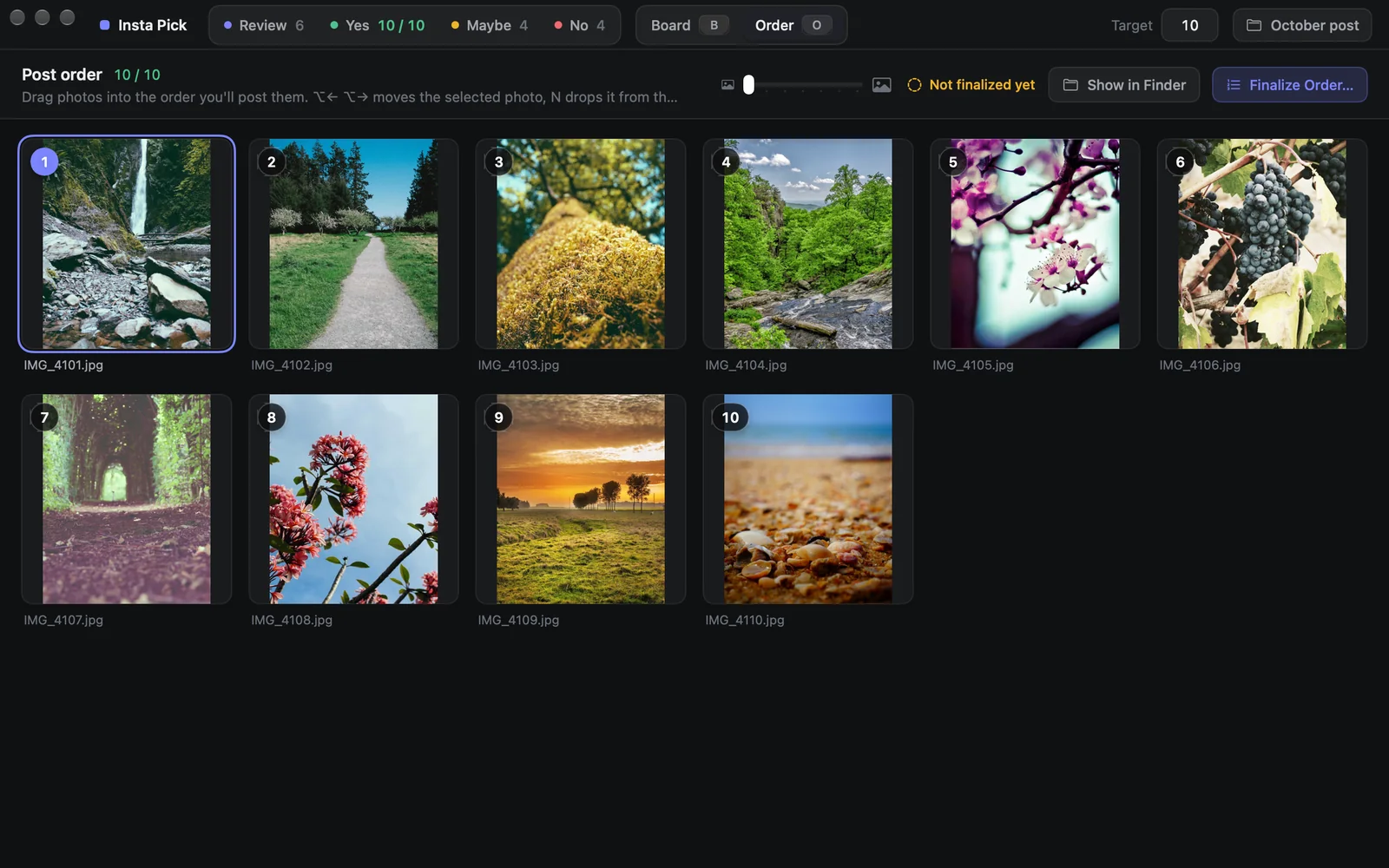
Set how many photos the post needs. The Yes count turns green when it matches and red when it's over, and in the post order, numbers past the target turn red.
Yes 10 / 10Order the keepers before posting.
Drag photos into place or nudge the selected one. A slider steps the photos through seven sizes, N, M, or R drops one from the post, and a double-click opens it full size.
drag · ⌥← ⌥→ · seven sizesDated so Apple Photos keeps the order.
Finalize gives each photo a capture date one second apart, starting now, so photos added to Apple Photos land in posting order. JPEG and HEIC take the new date, and Insta Pick names any photo that can't.
capture date · 1 s apartThe rules the app holds to.
- Sorting moves files between subfolders and never edits a photo.
- Every move between piles can be undone, including drags on the board.
- Finalize changes a photo's name and dates, and never re-encodes it.
- Write and check every dated copy before replacing any photo.
- Keep each photo's first capture date in the order file.
- A second finalize replaces the numbers instead of stacking them.
The app, the post order, the date rewrite, and the script it started as. Private and unreleased.
The app, bundled and signed by a script and installed in Applications. It hasn't been released.
local · v0.1.0 · unreleasedDrag photos into place, or move the selected one with ⌥← and ⌥→. The order saves as you go, in a hidden file inside the yes folder.
.instapick-order.jsonRewrites capture dates in posting order without re-encoding, and writes and checks every copy before it replaces any photo.
ImageIO · JPEG + HEICThe first version: one Python file that served the sorting page from a small local web server.
legacy/pick.py