






 Boswell
A private macOS app that turns recordings, imports, pasted transcripts, and WhatsApp conversations into clean, speaker-checked Obsidian notes.
- WhatsApp Everything
- full chats into vault notes
- Any input
- record · import · paste · chat
- AI speaker audit
- labels checked, words preserved
- Vault safe
- review, save, append, recover
A private Mac app for one job: conversations into clean, speaker-checked Obsidian notes.
BoswellA private Mac app for clean conversation notes.
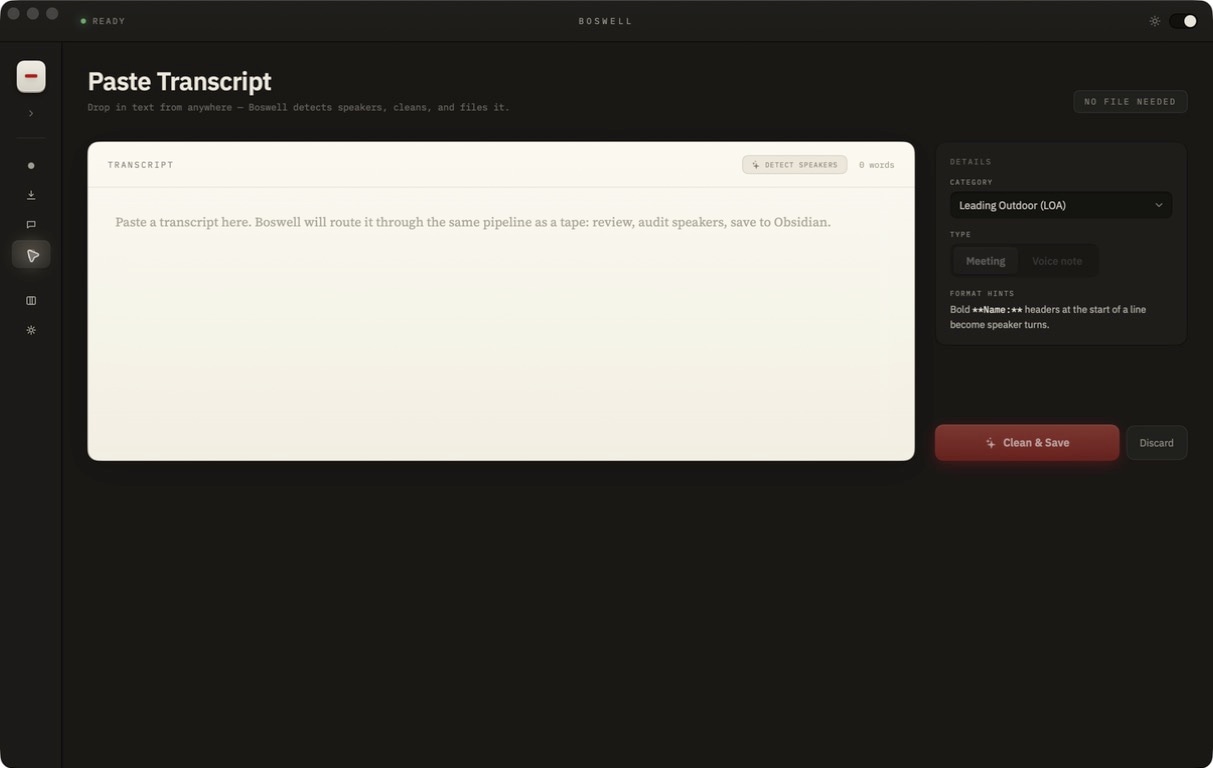
Boswell turns recordings, imported media, pasted text, and WhatsApp chats into speaker-checked Obsidian notes without making the source material disposable.
Capture
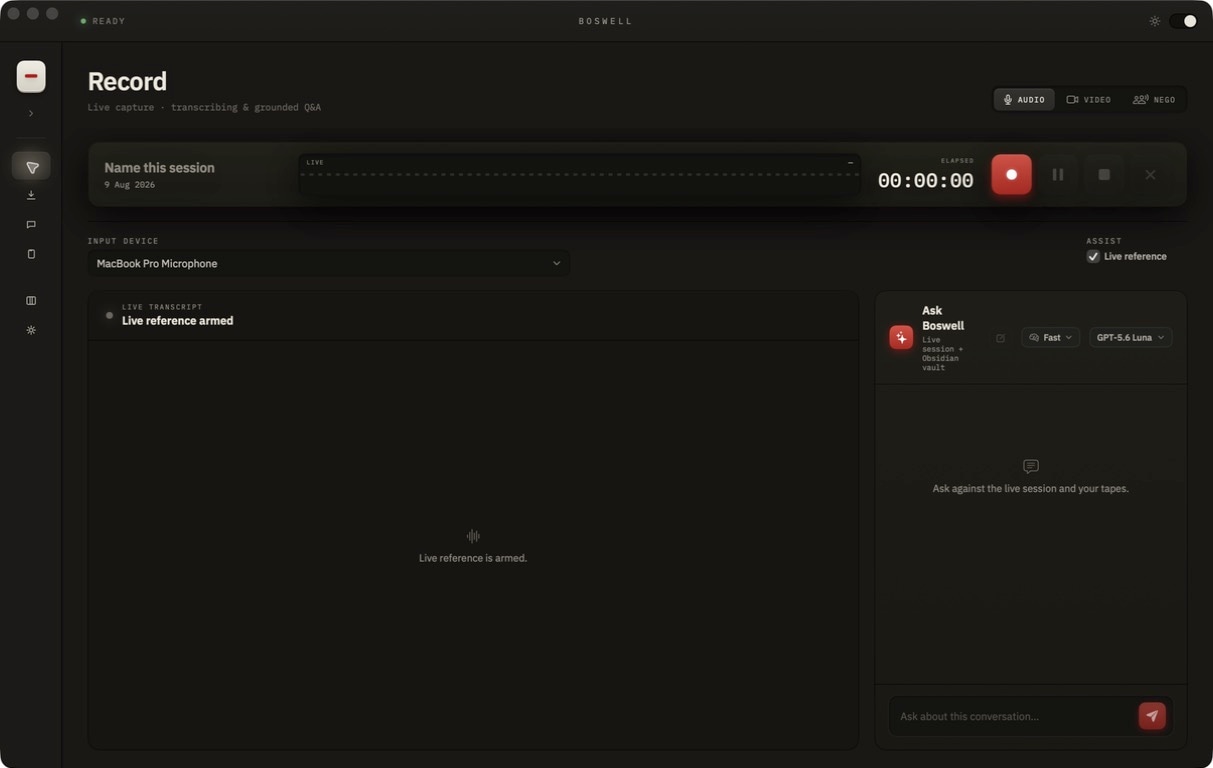
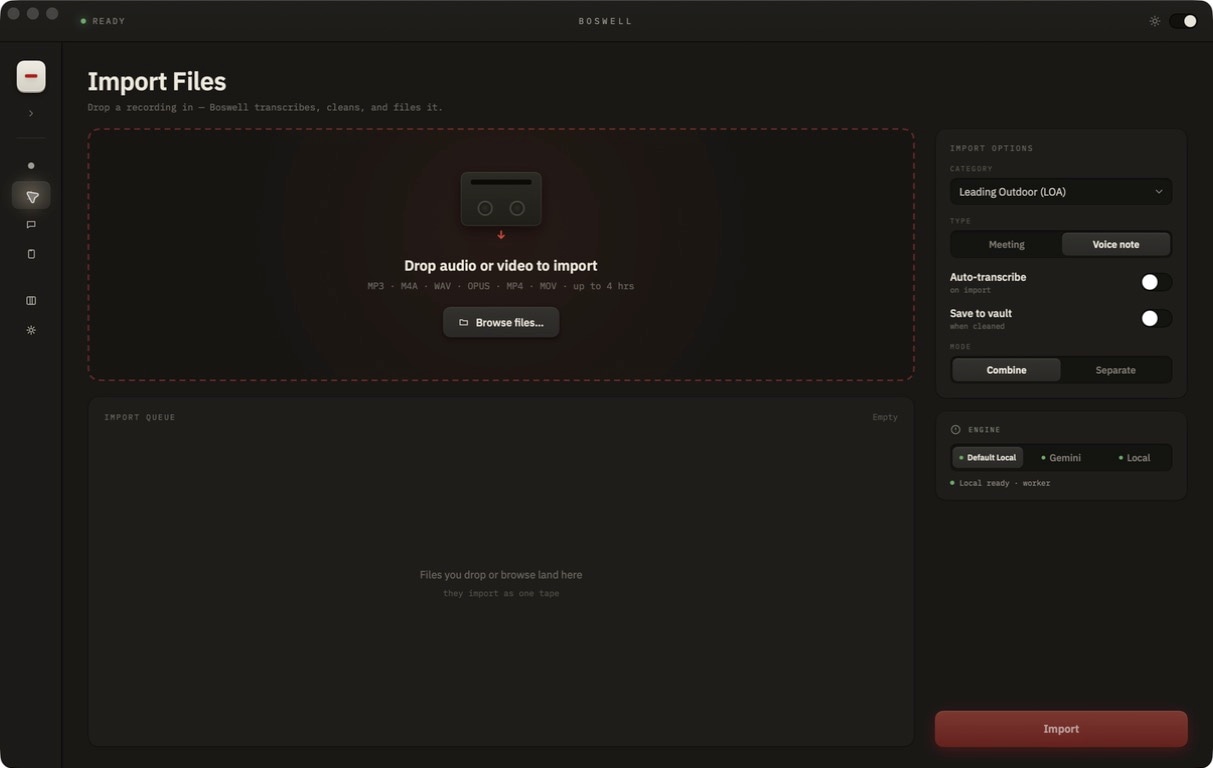
Record live audio, import media, paste a transcript, or pull a conversation into the same review flow.
record · import · paste · WhatsAppChunk
Long chat histories are split into readable batches instead of becoming one giant, unreviewable note.
full history · bounded notesTranscribe and check
Audio and voice notes become transcripts, then speaker labels can be corrected without changing the spoken text.
voice notes · speaker labelsFile
Save the reviewed transcript as a new Obsidian note or append it to an existing note.
Obsidian save / appendWhat's actually in the app.
WhatsApp Everything.
Boswell can capture a full WhatsApp conversation, split long histories into reviewable chunks, transcribe voice notes, and file monthly notes into the vault.
full chat · monthly notesIncremental follow-up pulls.
After the first capture, follow-up messages can be added without reprocessing the entire conversation history.
new messages onlySpeaker labels only.
The audit step can fix who said what, but it is not allowed to rewrite the words. That keeps the transcript useful as a record, not a paraphrase.
words preservedReview-safe vault writes.
The app makes the save path explicit: review first, then create a new Obsidian note or append to an existing one, with recoverable states when a step fails.
save · append · recoverThe rules I held the build to.
- Recording writes a source backup before transcription, so a bad run never costs the audio.
- The transcript opens in a review-and-edit step before any note hits the vault.
- Speaker correction changes labels only and leaves the spoken text alone.
- Long chats are split into bounded notes so the archive stays readable.
- Keys stay in the Keychain, kept out of config files and the repo.
- Follow-up captures can add new messages without replaying the full history.
The app, the WhatsApp flow, and the vault filing path. All private, nothing published.
The private Mac app for recording, importing, reviewing, and filing transcripts.
private macOS appFull conversations can be captured, split into reviewable chunks, paired with voice-note transcription, and saved as vault notes.
chat capture · voice notesReview the transcript, keep speaker-label changes constrained, then save a new note or append to an existing one.
review · save · append